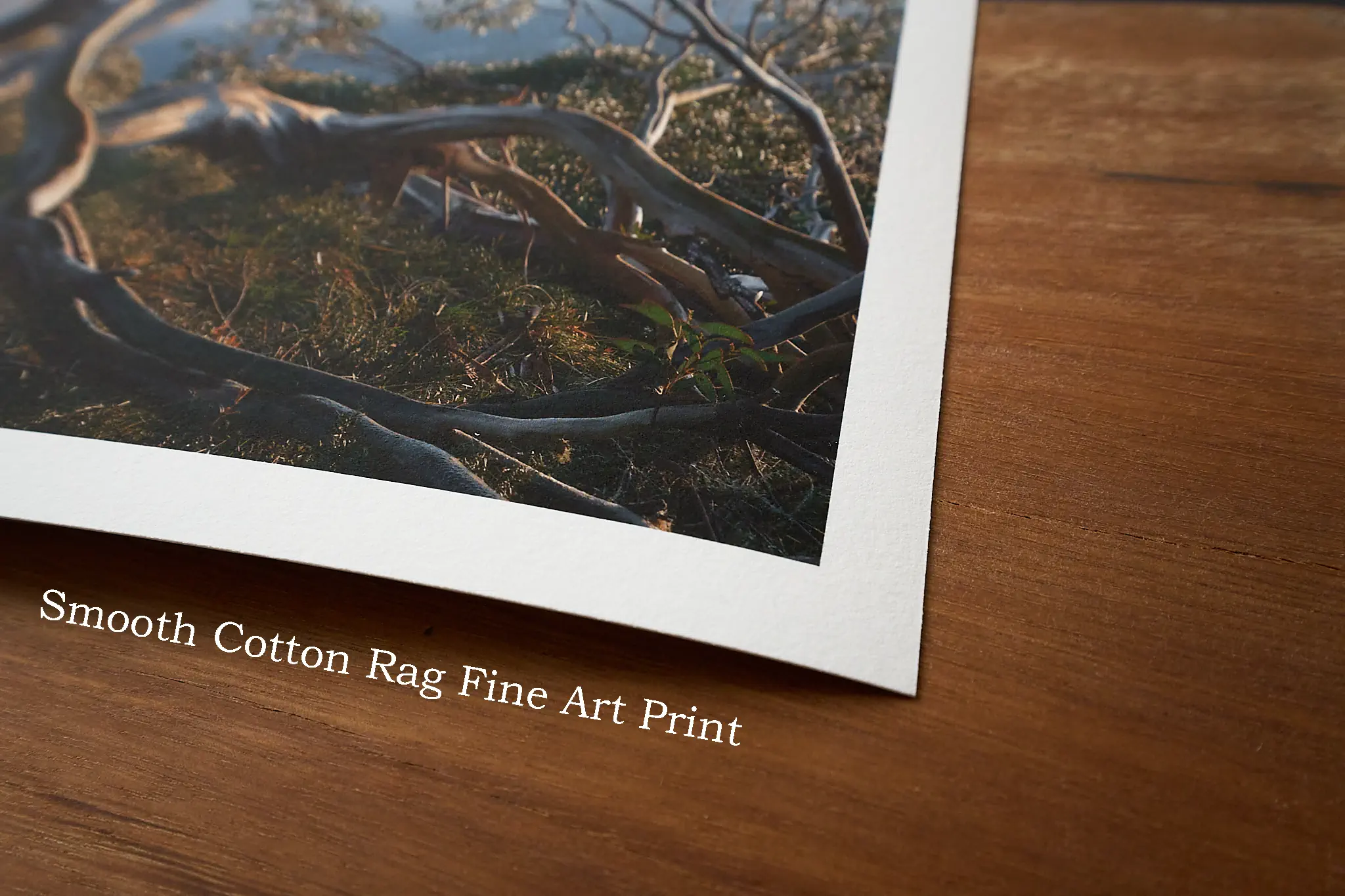
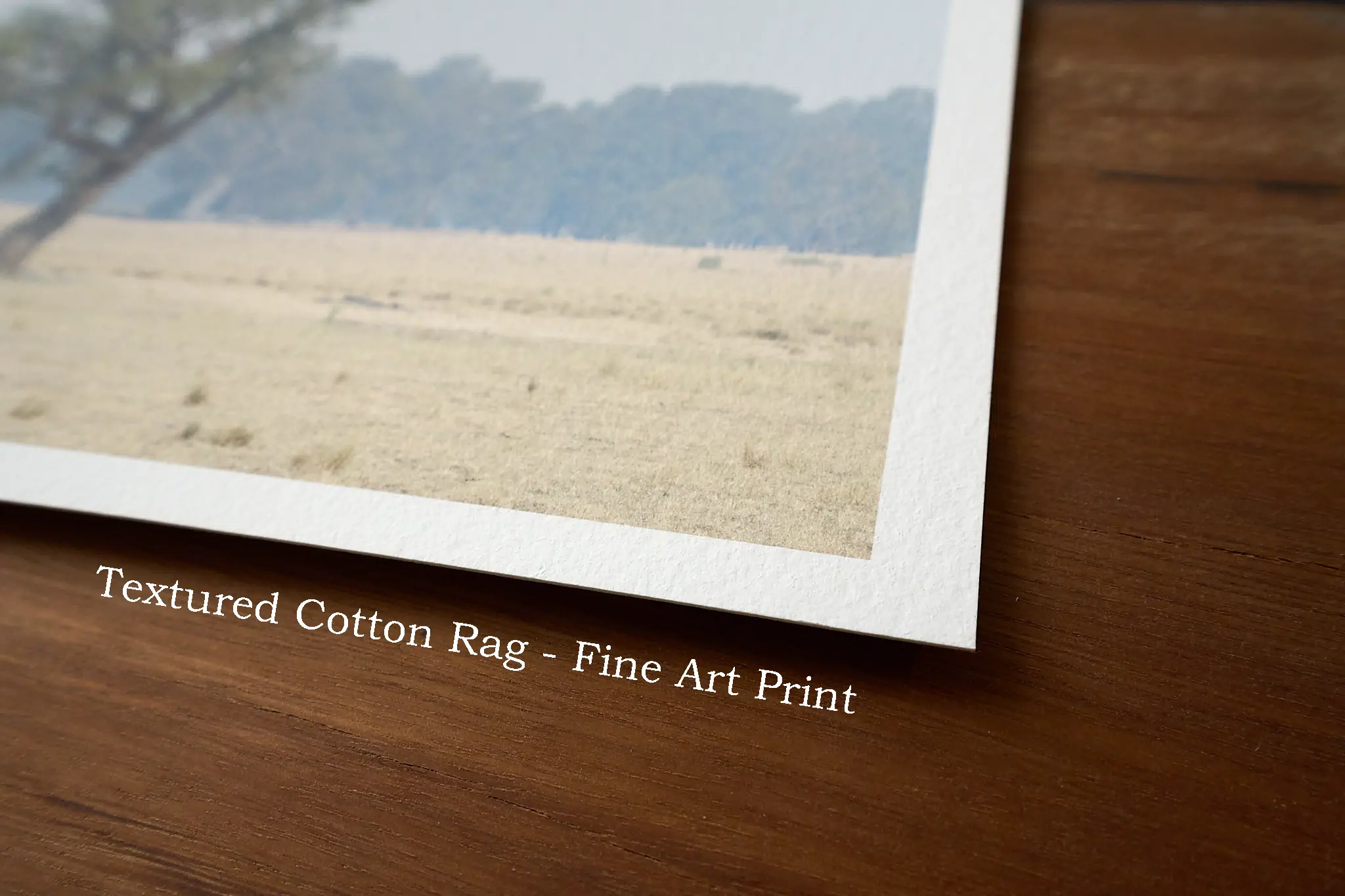
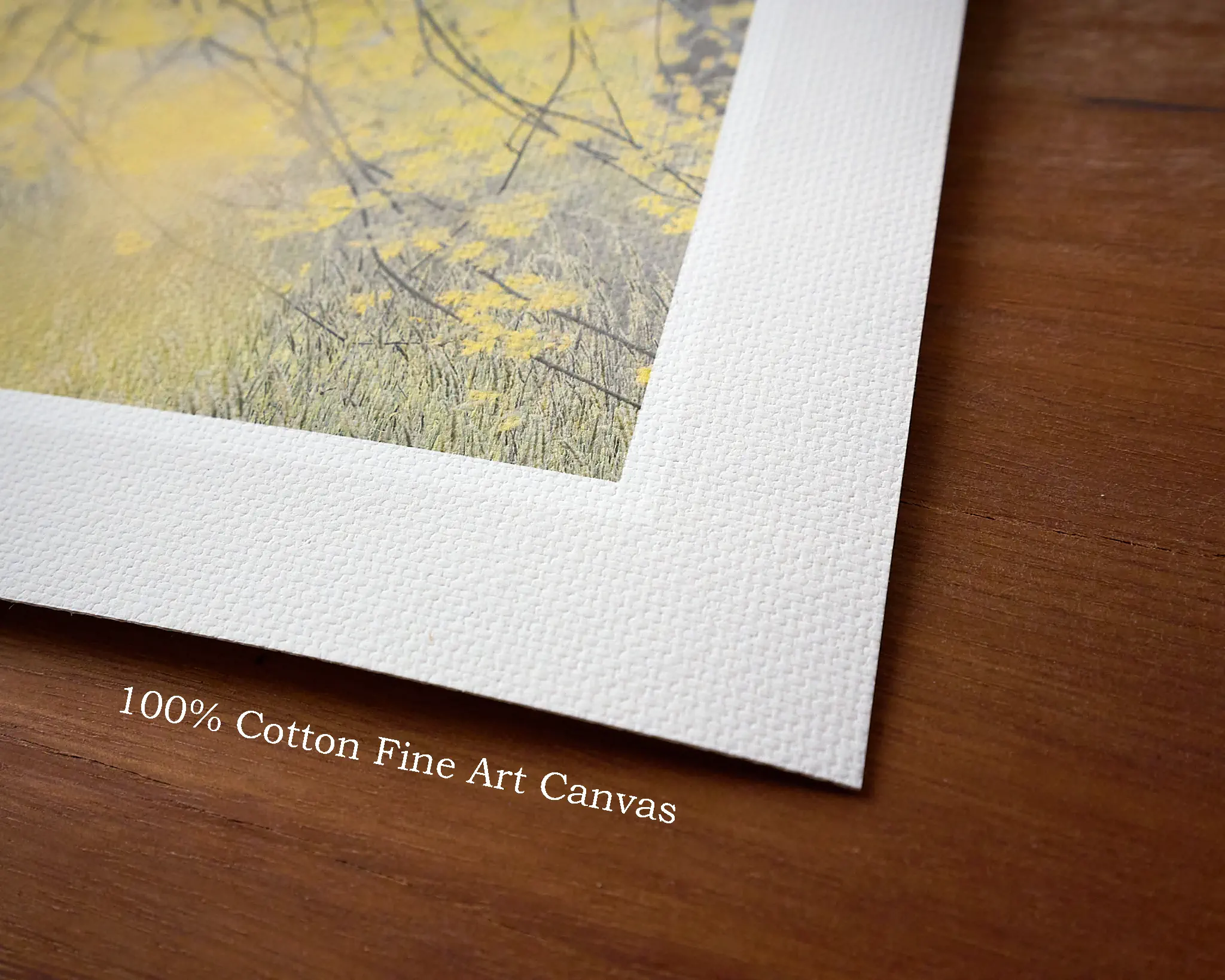
Links to file sharing services
Consider using one of these file sharing services. Upload your images there and share the link with me.
- Dropbox – Well featured
- MEGA.nz – Lots of storage space
- OneDrive – Can integrate well with Windows Explorer. Good service but Microsoft has become annoyingly pushy with it in windows 11.
- Smash – No account needed, link expires after 7 days
- Proton.me – Known for privacy
- Sync.com – Known for privacy
- Google Drive May ask me for authorisation before allowing download
- iCloud (Apple)
- WeTransfer – No longer recommended, link expires after 3 days (may not be long enough)
Some of these services have apps which can be installed on your computer for easy uploads and link generation from Windows Explorer or Mac Finder.
File Formats for RPC competition prints – Quick rules of thumb
Most well prepared files are usable, but some are better than others, hope this helps.
File format:
- Best: TIFF with lossless compression, 16 bits.
- Next best: HEIF/HEIC, high quality, 10 bits. If your software offers it.
- Next best: TIFF with lossless compression, 8 bits.
- Least preferred but usable: JPEG high quality (always 8 bits).
- Not usually suitable: PSD, DNG, RAW.
- File sizes can vary greatly between about 2MB – 200MB, depending on settings and the image.
File settings:
- Output resolution: No need to scale your image, retain the full resolution.
- 3000-6000 pixels on the long side should work well.
- Sharpening: No need to sharpen for print, it’s often overdone and not reversable, I’ll do that.
- Embed an ICC colour profile, usually adobeRGB’98 is a safe bet for output.
- Resulting file sizes
Further information:
Resolution:
- If the image is shorter than 3000 pixels on the long side, consider if actually has enough detail for printing.
- 6000 pixels on the long side is enough, no need for more on a 40cm print.
- For detail everywhere, a minimum of around 180 pixels per inch of print will be effective.
- Greater than 180 ppi, up to 360 ppi can be better, but you’ll need to be looking more closely.
- For viewing at typical distances, my rule of thumb is 3000 pixels on the long edge as a minimum, however you may get away with less.
- Each photo is different, some demand higher resolution than others to look their best.
Sharpening for print:
- Sharpening for print has a single purpose, to make up for the slight spreading of ink on paper which softens detail.
- The correct amount of sharpening depends on the size & resolution of the image.
- It’s better to UNDER sharpen than OVER sharpen because you can’t remove it later.
- Over sharpening can look too crispy and digital, it can enhance noise grain and create light & dark lines around edges.
- My rule of thumb is simply to say ‘it’s better not to sharpen, leave it to me’.
Colour Space (ICC profile):
- A colour space describes how to interpret the colours in the image.
- An ICC profile should be embedded in the file to indicate the colour space used.
- Use a colour space that will contain all your colours.
- sRGB is suitable for images without highly saturated colour.
- AdobeRGB’98 covers most printable colours for high end printing, but isn’t technically perfect either.
- eciRGB (v2) was designed for printing and a better choice most of the time.
- ProPhoto covers all colours but can be overkill (better not to use it with 8 bit images).
- Most of the time, a safe bet would be eciRGB (v2) or adobeRGB’98.
Compression:
-
- Some file formats keep all the original data (lossless), others discard some (lossy).
- It’s better to use lossless compression, but larger file sizes.
- Lossy formats with high quality settings are usually fine.
- Lossless formats are most important for large prints, prints with expansive & subtle colour transitions, or files which aren’t well prepared for print and need further adjustments.
Bit Depth:
- Bit depth describes the precision of your colours.
- It’s like comparing millimeters & inches, millimeters would be more precise.
- Typical choices are 8 bits or 16 bits, but some formats may now allow 10 bits.
- 16 bits is more precise and preferable.
- 8 bits makes smaller file sizes.
- This matters most for images with subtle colour transitions or images which need further adjustment for printing.
File Format:
- TIFF – The most versatile, allows 16 bit files and lossless compression.
- JPEG – Always loses data during compression. Usable with high quality settings, disaster with low quality settings. Only allows 8 bit depth. Not great if the image needs further adjustment for printing.
- HEIF/HEIC – A more modern jpeg alternative, not used much yet. More efficient compression than jpeg and allows 10 bits, so should be better than jpeg.